Slider
The Slider is a numeric entry object. Instead of a keyboard, the Slider is a bar with values displayed in a meter. Drag the handle to increase and decrease tag value.
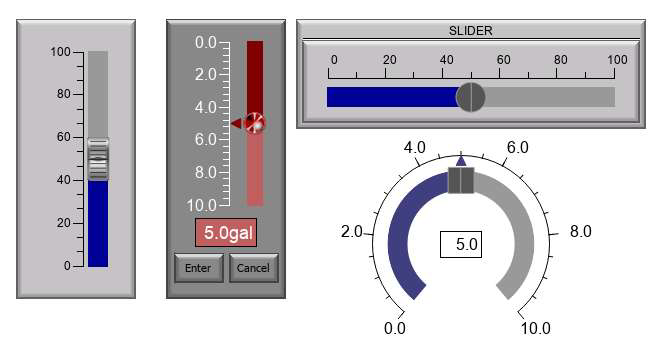
-
Signed Int 16/32
-
Unsigned Int 16/32
-
BCD Int 16/32
-
Floating Point 32
General Settings
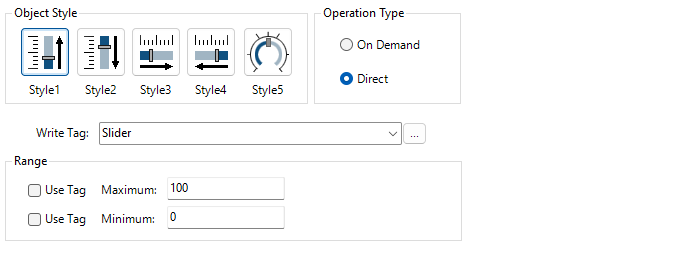
Object Styles
Style 1: slide up to increase tag value
Style 2: slide down to increase tag value
Style 3: slide right to increase tag value
Style 4: slide left to increase tag value
Style 5: slide clockwise increase the circular slider bar tag value
Operation Type
On Demand
Select a value on the Slider and press Enter or Cancel to accept or decline the change.
Direct
The digital display shows the value. Release the handle to apply the tag value.
Range
Sets the upper and lower value limits. Maximum and Minimum can be configured independently.
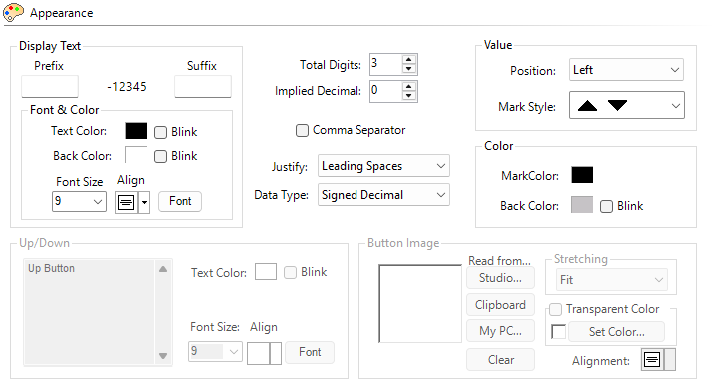
Use Tag
Use a tag to set the range from a PLC or another object after you send the project to the panel.
For static values that cannot change after you send the project to the panel, do not select Use Tag. To change the values, you must transfer a new project.
Appearance
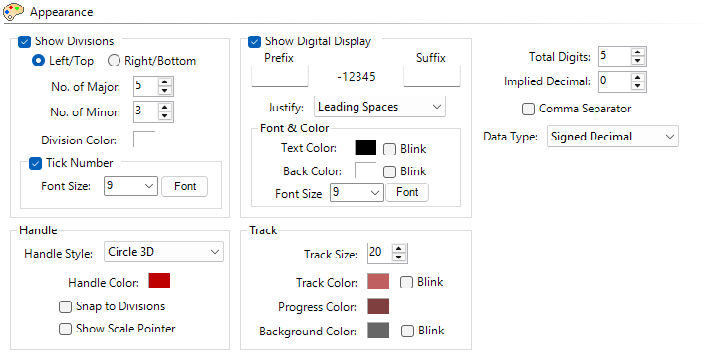
Show Divisions
Select to show tick marks on the meter. You can also position them on the left, right, top, or bottom, depending on the Slider style.
No. of Major and Minor
Major Divisions set the number of primary sections on the meter. With Major Divisions, tick numbers appear at each major division.
Minor Divisions set the number of subdivisions within each Major Division.
Show Digital Display
See the Slider selection number. The digital display adjusts automatically based on font size, value, and the prefix and suffix.
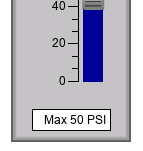
Prefix/Suffix
Text in the display area before or after the numeric value.

Justify
Leading Zeros: displays a 0 instead of spaces for the digits before the first non-zero digit.
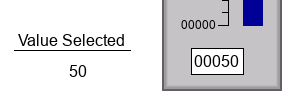
Leading or trailing spaces: do not display any unused digits.
Handle
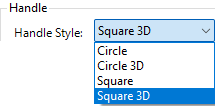
Handle Style
There are four different handle styles to choose from.
Snap to Division: makes the handle only move to major and minor divisions.
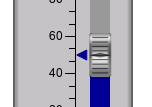
Show Scale Pointer: see the value more precisely.
Number of Digits
Total Digits: truncates the most significant digit if the number is higher than the configured number.
Implied Decimal: determines the position of an implied decimal place. Only visible when the tag data type is Integer.
Precision: determines the decimal placement for Floating Point values. Only visible when the tag data type is Floating Point.
| Note: | Use Tag for Decimal Point overrides this setting. |
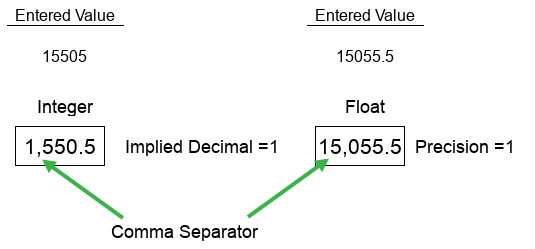
Comma Separator
Places a comma separator between hundreds and thousands.
 Example:
15000 or 15,000
Data Type
You can display Unsigned Int 16/32 data type in Unsigned Decimal, Octal, or Hex formats.
Track
The handle slide area.
Track Size: width or weight depending on the style. It can be a maximum of 50 pixels or a minimum of 10 pixels.
Track Color: track area above the value.
Progress color: track area below the value.
Font & Color
Behavior
For information, see Behavior.
Password
For more information, see Password.
CM193