Add a PLC Device to a Project
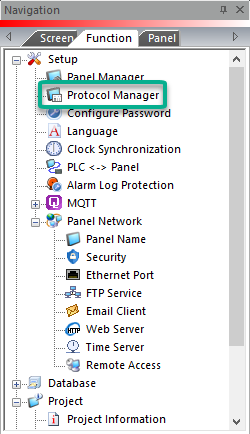
Add a PLC device to the project with Protocol Manager.
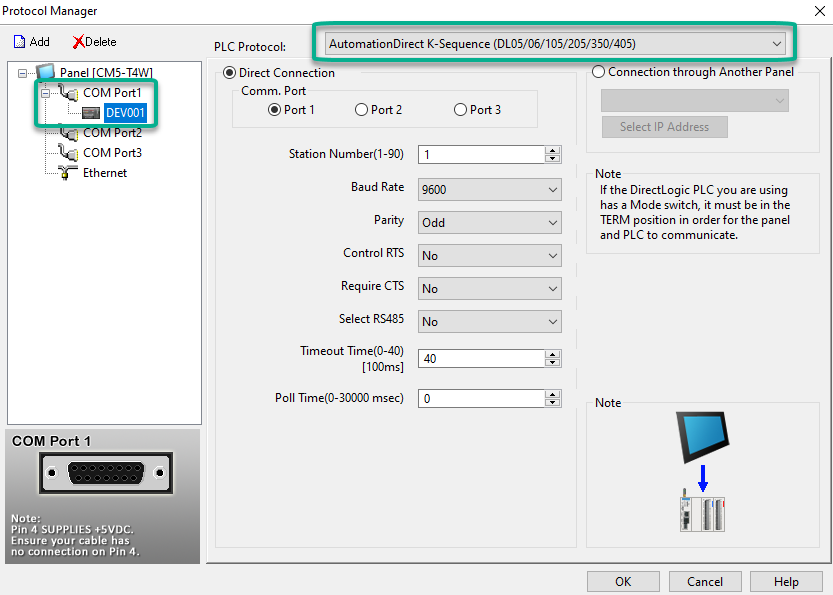
The AutomationDirect K-Sequence driver is configured to Comm. Port 1 by default.
| Tip: | Use device names to organize multiple device connections in the manager. Right-click the device and select Rename to change the default "DEV001." See Device Name below for more information. |
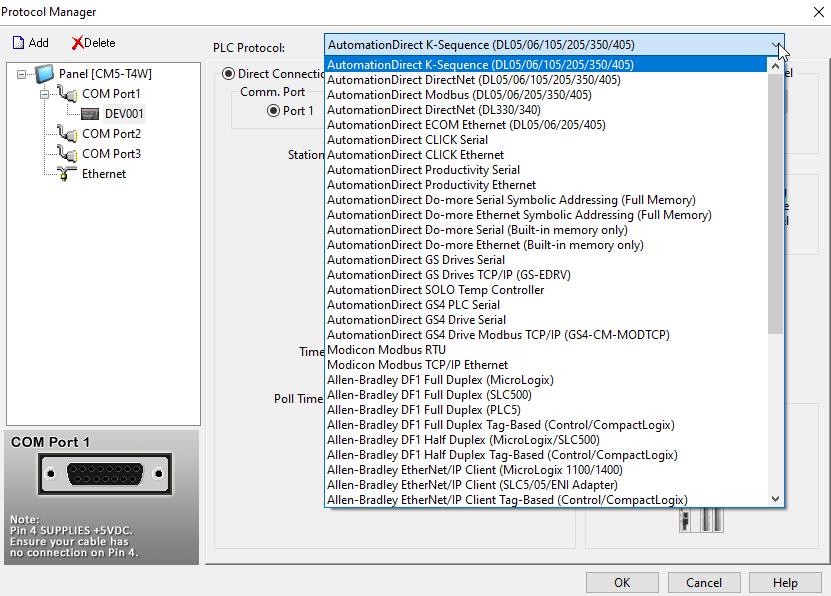
Select a PLC Protocol
Select the PLC protocol drop-down list to change PLC or protocol.
Add a New PLC Device
-
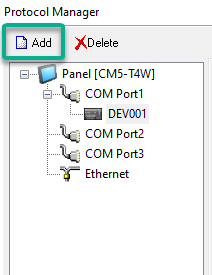
Click the Add button.
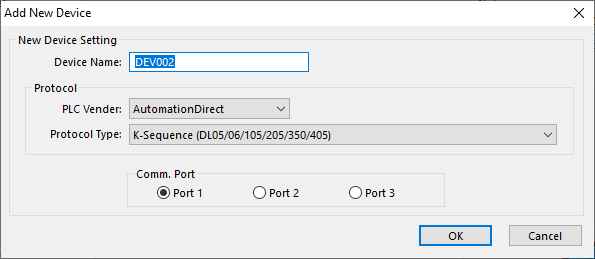
-
Device Name: up to 8 alpha-numeric characters and underscore. No other characters are allowed.
-
PLC Vendor: select the PLC vendor to narrow the protocol type list.
-
Protocol Type: select the PLC protocol.
-
Comm. Port: select a serial protocol to enable the panel and protocol ports. Select the communication port to connect with the PLC.
-
No ports are available with Ethernet protocol.
-
Click OK to apply your changes.
-
Click Cancel to exit Add New Device.
CM213