Static Text

Add a scrolling banner, labels, or short instructions to a screen. Each Static Text can contain 500 characters and allows text styes. You can use CM5 built-in fonts or Windows® fonts.
Appearance
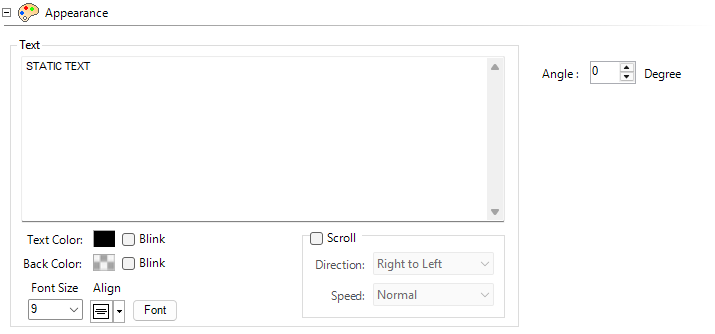
Font & Color
Scroll
Direction
| Note: | Rotated objects scroll from the rotated position. |
Scroll Direction options:
-
Right to Left
-
Left to Right
-
Top to Bottom
-
Bottom to Top
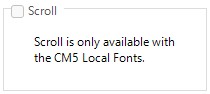
| Note: | You can only scroll CM5 Local Fonts. |
Select Font to open the font window.
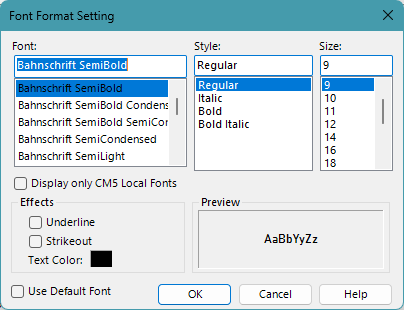
Display Only CM5 Local Fonts
Only native CM5 panel fonts are listed. Remove the tick from the box, to access available Windows® fonts on your PC. The panel downloads these fonts as a bitmap instead of True Type Fonts.
| Note: | Windows fonts may not be the same in every PC. They may not duplicate on another PC. |
| Note: | You can only scroll CM5 Local Fonts. |
Behavior and Animation
For more information about visibility and animation, see Object Behavior and Animation.
 Related Topics
CM140