Polyline
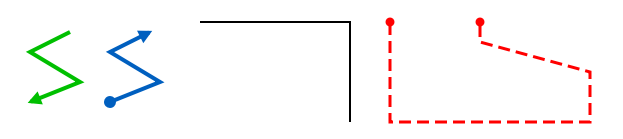
Draw complex line shapes.
Add a Polyline
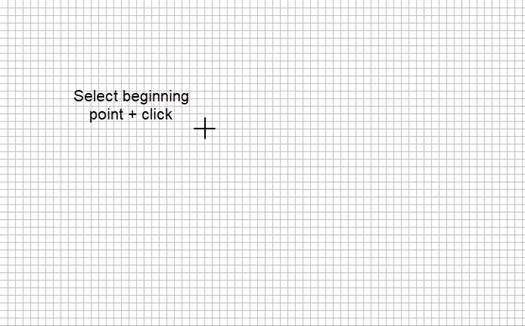
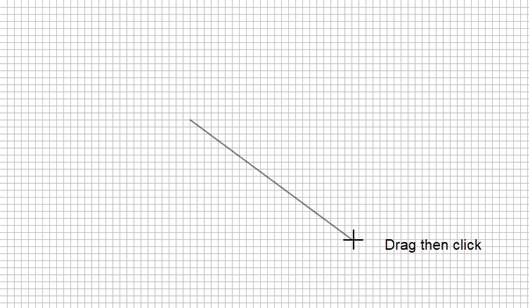
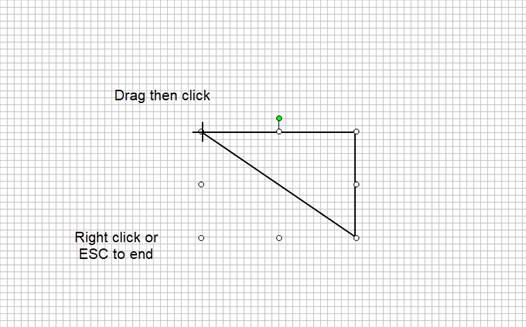
When you add a Polyline to the screen, a cross-hairs cursor appears. Drag the cursor to draw your object.
-
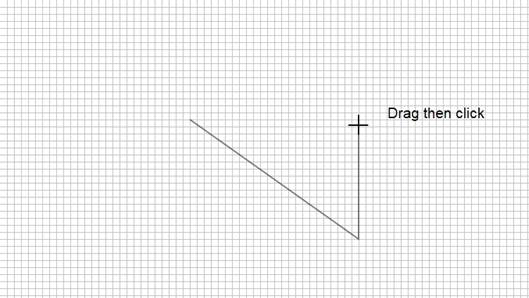
Single-click: set a point and begin another line
-
Double-click: end the Polyline object
-
Esc or right-click: cancel the current line and end the Polyline at the last point
Edit Mode
-
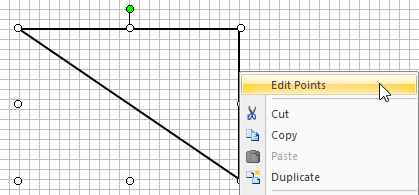
Right-click the Polyline to view the right-click menu.
-
Select Edit Points.
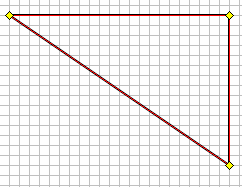
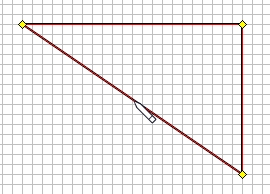
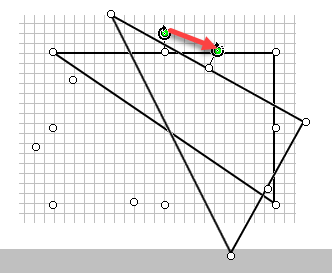
When you move the cursor close to Polyline, it changes to a pencil and you can select the vertices.
-
Drag each vertex to a new location
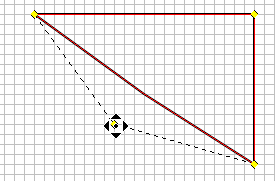
-
Select any point on a Polyline and drag to create a new inflection point and add a new line segment
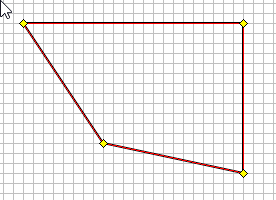
Right-Click Options
-
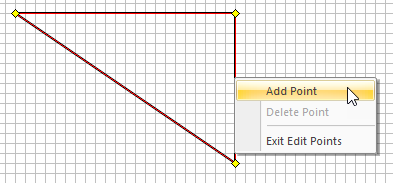
Right-click on a Polyline section to open the right-click context menu.
-
Right-click away to exit edit mode.
Appearance
End Points
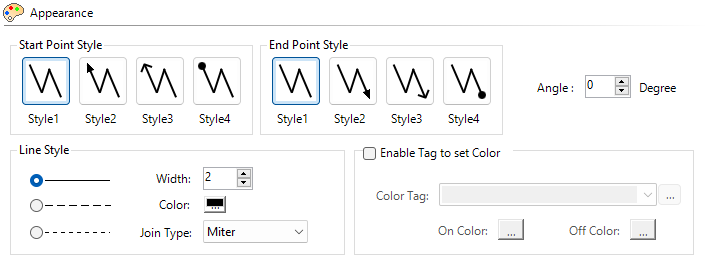
You can configure each end point and change the style.
Angle
Set the rotation angle or adjust it on the screen with the end handle.
The angle is offset from the screen object position. This angle is the starting angle for any rotation animation.
Line Style
Click the desired style.
You can choose between a solid line and two dashed line options.
Line Width
There are four line widths available. The default is 2. Click the up and down arrows to select line width.
Line Color
Click the color button to select line color.
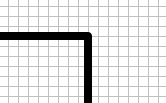
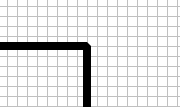
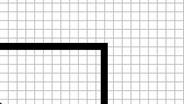
Join Type
|
Round |
Bevel |
Miter |
|
|
|
|
Enable Tag to Set Color
Tick this box, then select the line color when the Tag is ON and when it is OFF.
Behavior and Animation
For more information, see Behavior and Animation.
 Related Topics
CM181