Manage Event Actions
The Basics
You can Add, Edit, or Delete both Events themselves and Event Actions (the things Events do) independently.
Add an Action to an Event
The same basic steps apply when you add any action to an event. If you do not have any Events configured, see Manage Events.
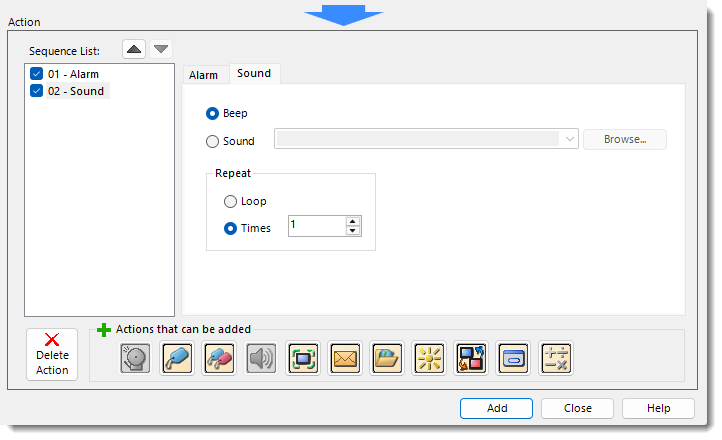
-
Select an Action Type from the Event you created.
-
Complete the Action Fields.
-
Fill in the configuration specific to that action type.
-
-
Click Add.
-
You can add up to 16 actions per event.
Edit an Event Action
-
Select the event.
-
Click Edit.
-
Make changes.
-
Click Save.
Delete an Event Action
-
Select the event.
-
Click Delete.
-
Click OK.
For information about configuring each Action, see the topic below:
 Related Topics
CM142