Event Action — Sound
Specify the internal beep or sound file to play at event trigger. USB speakers are required to play the sound file. The default is an internal beep.
Configure an Action
The basic steps are the same for adding any Event Action. See Manage Event Actions.
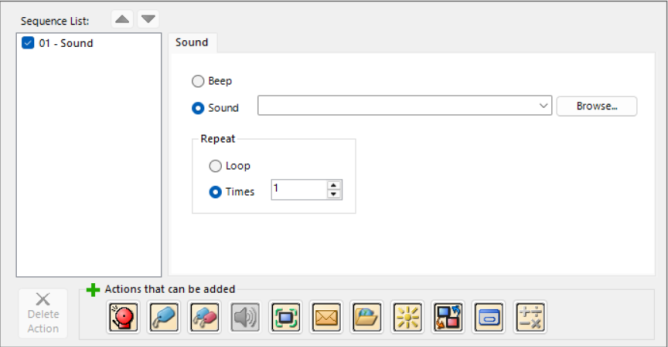
Sound Action Options
| Field | Description |
|---|---|
|
Beep |
Beeps when the event occurs |
|
Sound |
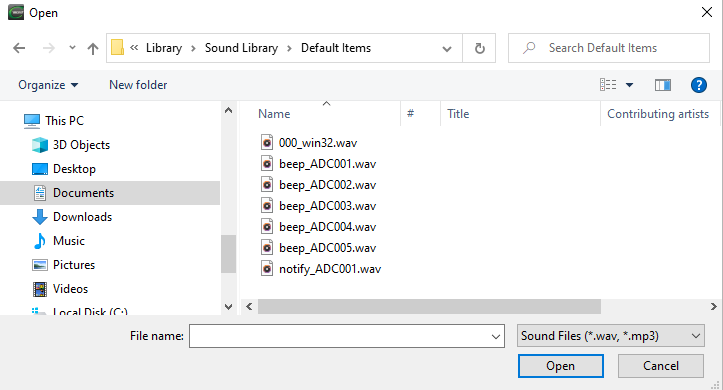
Plays a .wav or MP3 file when the event occurs Click the drop-down arrow to select a sound file from the Sound Library To select other sound files, click the browse button and select a .wav or MP3 file shown below |
|
Repeat |
The sound file or beep repeats from 1 to 10 times |
|
Loop |
The beep or sound continues in an endless loop until the event trigger is false |
|
Times |
The beep or sound plays a specified number of times |
 Related Topics
CM032