Import an Address Book Database
Import an existing Mail or FTP address book you from an exported project.
-
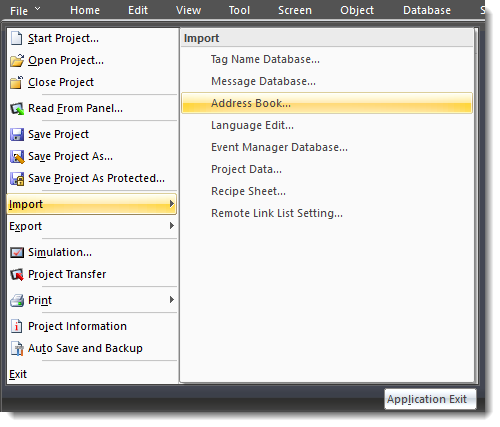
From the File menu, select Import and Address Book Database.
-
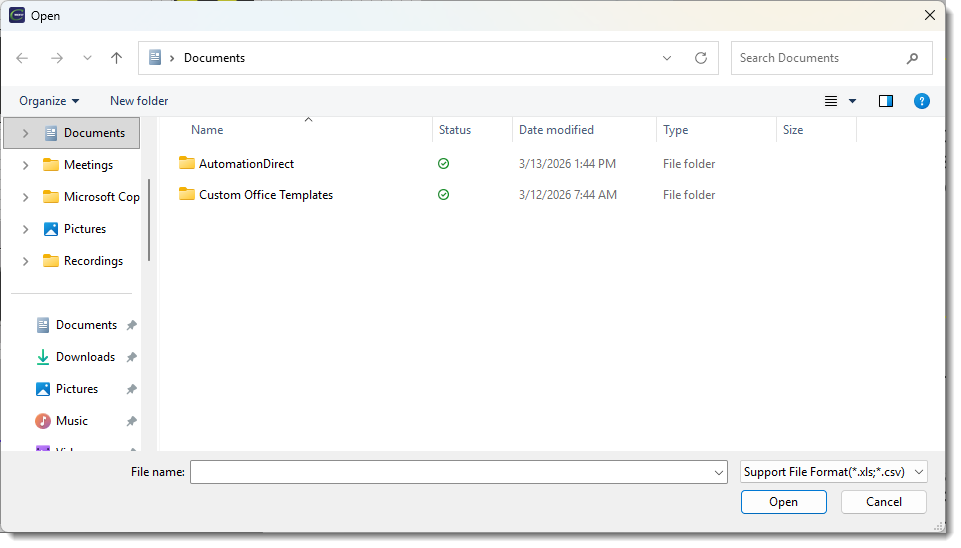
The Open window opens.
-
Browse for the file to import.
| Note: | Mail Address Database and FTP Address Database are separate files and are exported and imported separately. |
-
Once you find and select the file, double-click the file name or click Open.
-
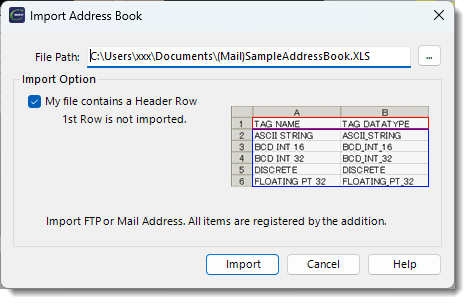
The Import Address Book window opens.
| Note: | The imported files overwrite the existing Mail or FTP Address Database information. |
My File Contains a Header Row: when you tick this box, the first row (title row) does not import, as described to the right. When this box is not ticked, all rows are imported.
-
Click the Import button.
 Related Topics
CM047