Line
Inserts a straight line object on a screen to add:
-
Call outs
-
Pointers
-
Indicators
-
Dynamic lines
Dynamic lines rotate, appear/disappear, or change color based on tag status.
Use Polyline if you want to insert multiple connecting lines.
You can customize lines with various endpoints, line styles, and behaviors. You can add Visibility Control and Animation.
Appearance
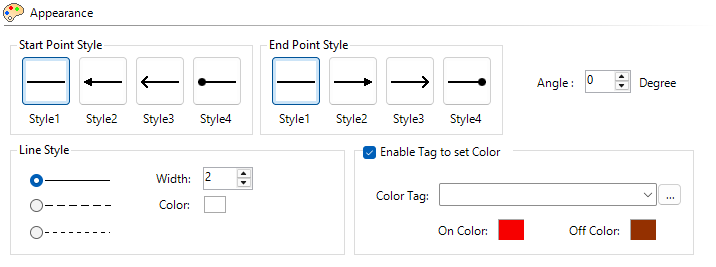
There are 4 End Point Styles to choose for each of the line.
Angle and Length
Angle
Set the rotation angle or adjust it on the screen with the end handle. Adjust angle ±360°. Default is 0°.
The angle is offset from the screen object position. This angle is the starting angle for any rotation animation.
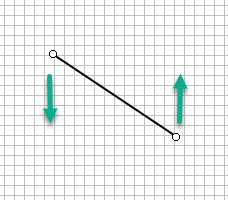
Shift+Drag: hold Shift and drag the handle to adjust angle in 15° increments.
Length
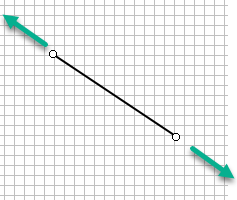
Click and drag the handle on each end to change the length and angle.
Enable Tag to Set Color
Select this box for discrete tag control for On and Off fill colors and override the default line color selection.
Example:
Create independent pointers on a dual Y axis chart object to distinguish lines, shown here highlighted :

Behavior and Animation
For more information, see Behavior and Animation.
 Related Topics
Line
CM257