Grid
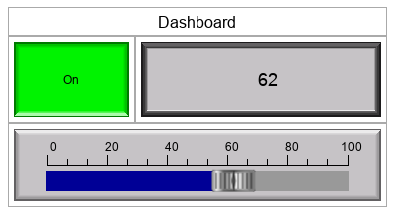
The Grid object is a frame for other objects. A Grid object can contain and shape multiple objects to create an organized dashboard-type layout with evenly spaced well-organized objects.
You can embed objects in a cell, span multiple cells, and resize images with the grid size.
Appearance
Object Style
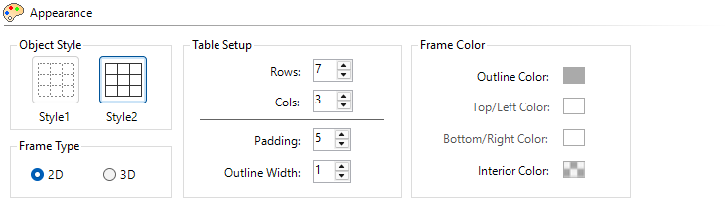
Style 1
A Grid with no visible borders and no interior colors.
Style 2
You can set borders and interior colors.
2D: the border is a single line. Outline Width controls width.
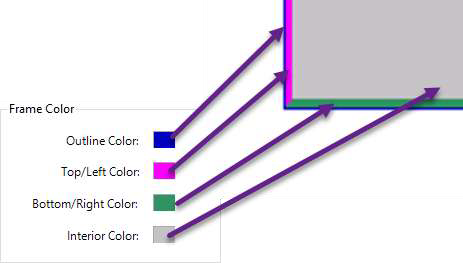
3D: borders have a 3D effect. Sides can have different colors, which creates the illusion of depth.
Table Setup
Rows and Cols
The Grid can be 1 row by 1 column up to 32 rows by 32 columns.
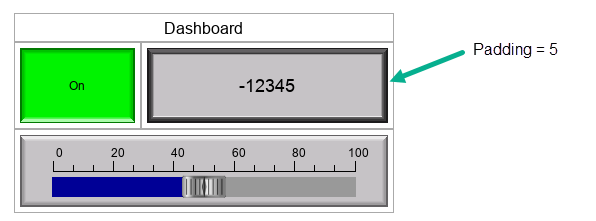
Padding
The space between the border and the object embedded in the cell.
Frame Color
Add Objects to the Grid
Open Edit Mode
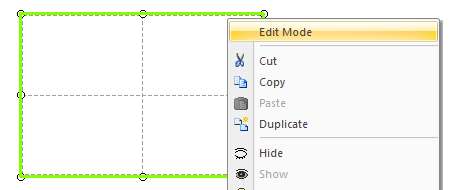
Right-click the Grid and select Edit Mode.
-
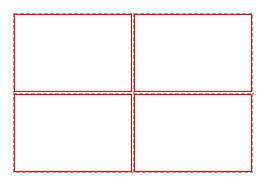
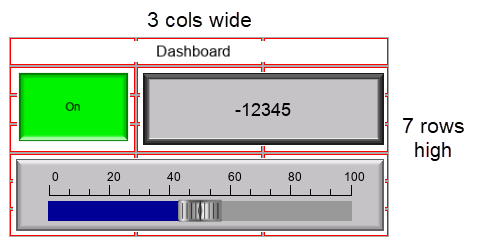
The Grid is red.
Add an Object to a Grid Cell
-
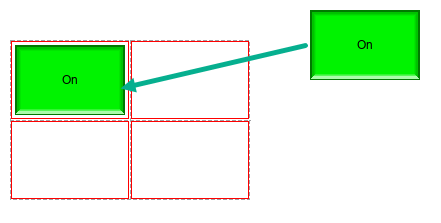
Drag and drop from the Object List.
-
Drag an object from the screen.
-
Cut/Copy and Paste an object.
Stretch Objects over Multiple Cells
-
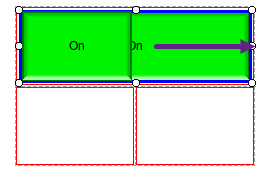
In Edit Mode, select the object and grab one of the handles.
-
Drag the handle to stretch the object over cells.
-
The cells automatically merge.
-
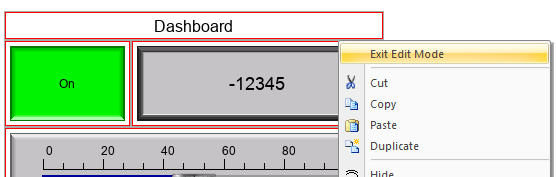
Right -click the grid and select Exit Edit Mode to go back to normal editing.
Stretch the Grid
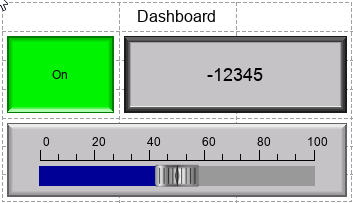
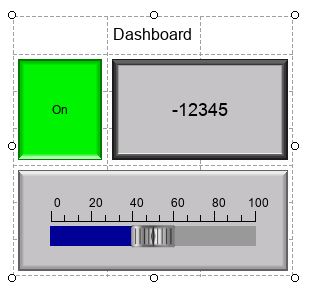
As you stretch the Grid is stretched, embedded objects resize with it.
Behavior
For information, see Behavior.
 Related Topics
Grid
CM075