SD Card – Importing a Project Backup into XG5000
The .XSP file from a project backup can be loaded into XG5000. This process must be done with XG5000 disconnected from any PLC.
| Step | Action |
|---|---|
| 1 |
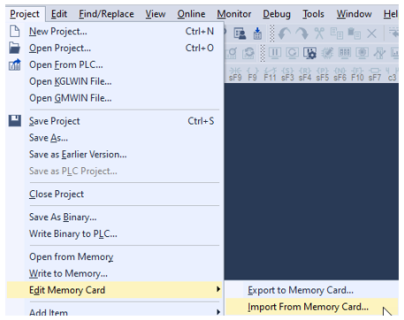
Import from memory card is accessed by going to Project menuè Edit Memory Card è Import from Memory Card…
|
| 2 |
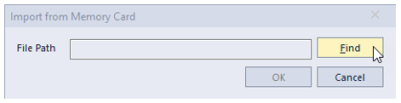
Press the Find button to load an export file.
|
| 3 |
Choose the exported file and press Open.
|
| 4 |
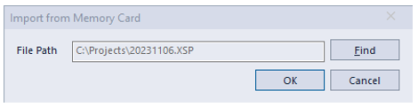
Press OK after selecting a valid file path.
|
| 5 |
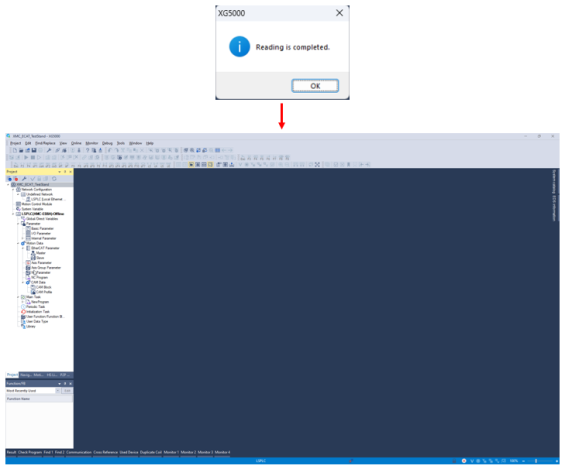
Press OK on the Reading is completed popup and the backup program should open in XG5000.
|

LM303