Topic: CL121

| Insert Column Before Cursor |
Topic: CL121
|
In the Contact Area (columns A - AE), the Insert Before Cursor selection serves to move the current device one column to the right. A Contact in the A column will move to the B column and make room for another contact to be inserted in the A column.
In the following example, the X005 Contact in the B Column can be moved to the C Column using Insert Before Cursor.
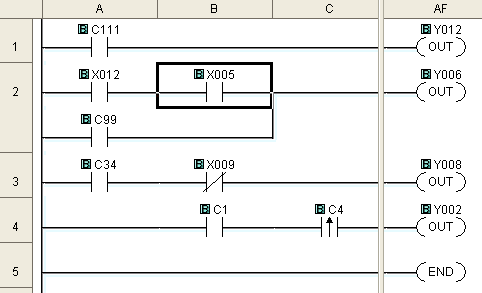
Position the cursor in the desired location.
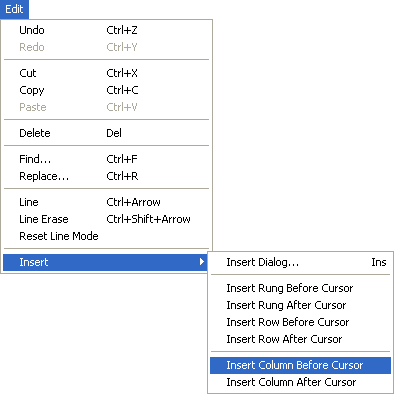
Select Edit > Insert > Insert Column Before Cursor.
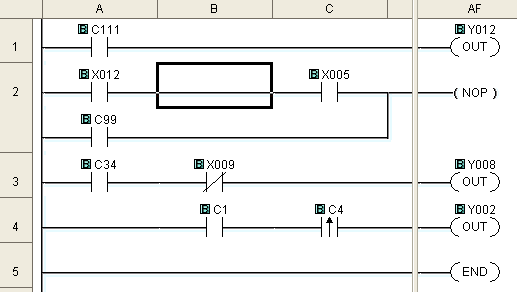
Space for an additional contact has been created on Rung 2, under Column B.